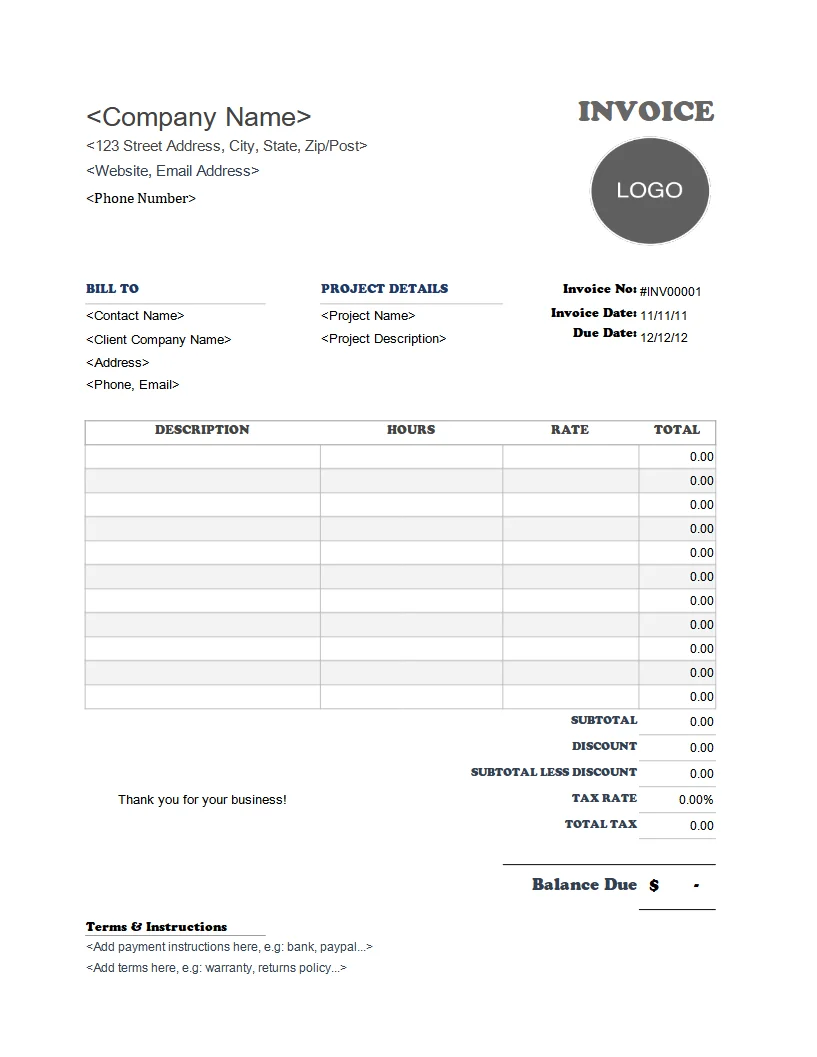
Every photographer I know started their business because they love capturing moments, not because they love paperwork. But there comes a point where you send a client a beautiful gallery, they gush over the photos, and then the awkward silence hits: "How do I pay you?" If you don't have a clear, professional invoice ready to go, you’re leaving money on the table and opening the door for late payments.
A solid photographer invoice template does more than just ask for money. It sets expectations, protects your rights, and makes you look like a legitimate business. After years of chasing payments and fixing confusing invoices, I’ve learned exactly what needs to be on that piece of paper (or PDF).
What is a Photographer Invoice Template?
It’s a pre-formatted document you fill out for each client. It lists the services you provided (like a portrait session or wedding coverage), the deliverables (edited digital files, prints, albums), and the total amount due. A good template is reusable, so you don’t have to start from scratch every time.
When Do You Use It?
You send an invoice after you've delivered the final work, or according to the payment schedule in your contract. Common times include:
- After delivering the final edited gallery.
- Upon completion of a milestone (e.g., 50% deposit before the shoot).
- When selling prints or additional edits after the initial delivery.
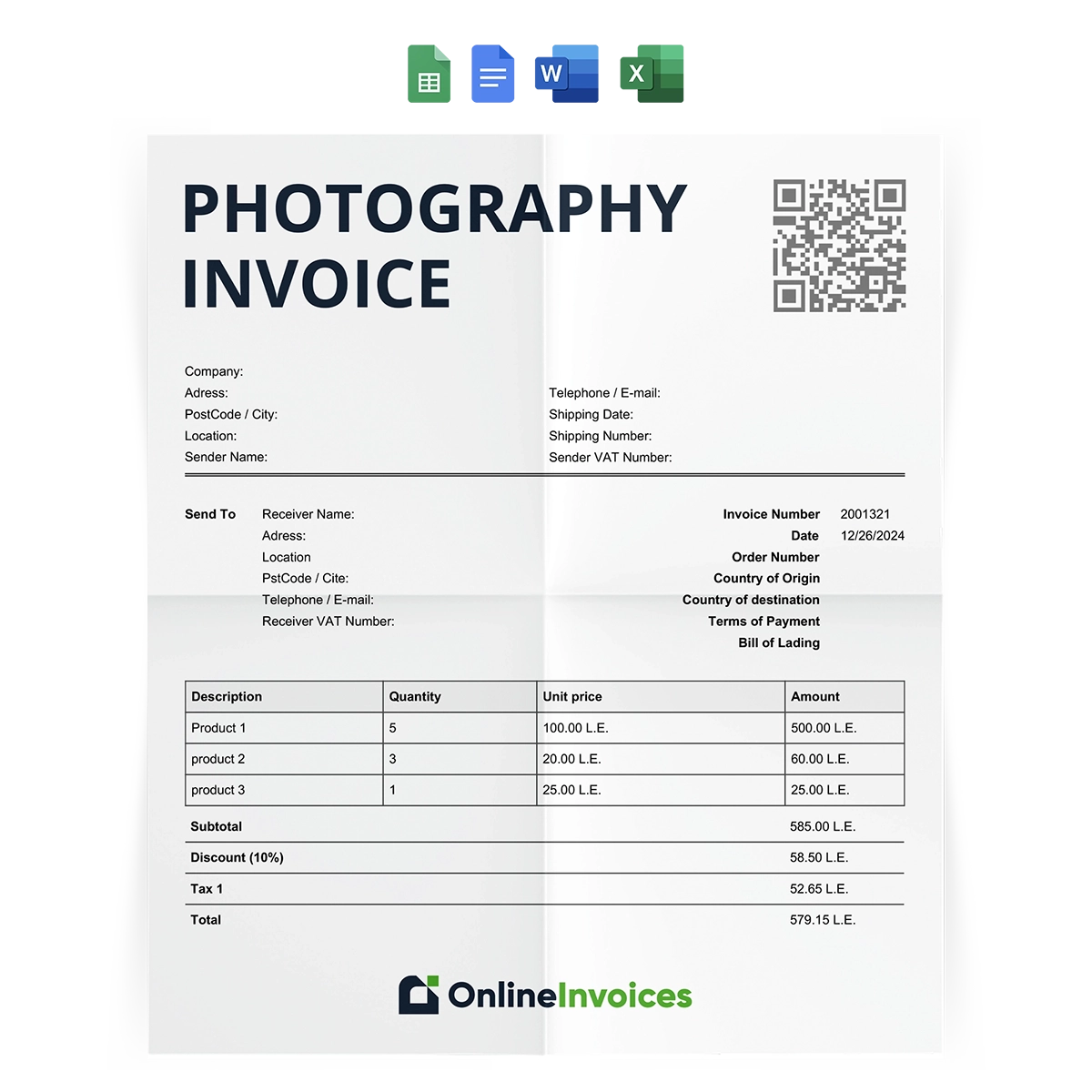
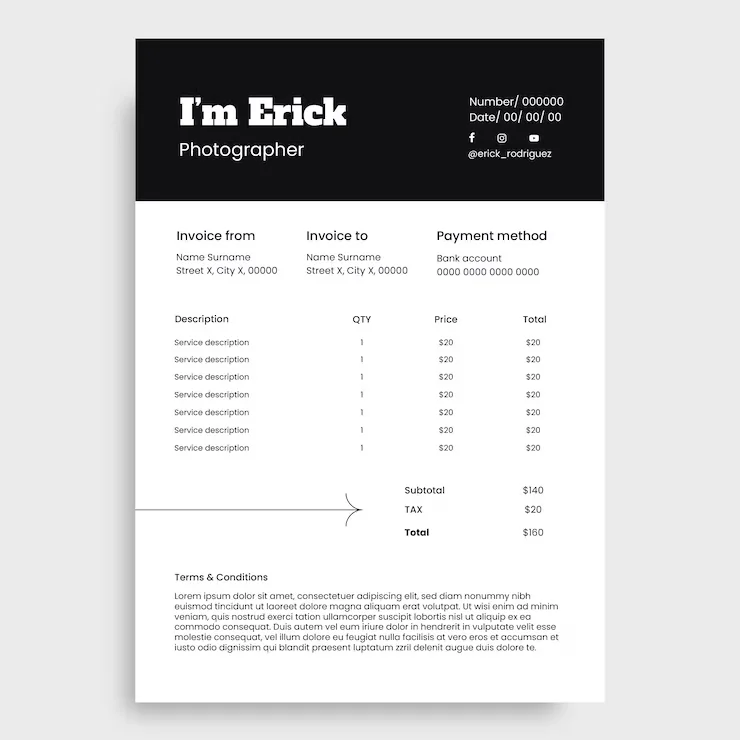
Key Components of a Professional Photography Invoice
Don’t just list "Photography" and a price. Be specific. Here are the sections that save you from awkward follow-up emails:
1. Your Business Information
Your name or studio name, address, phone number, and email. If you’re a registered business, include your tax ID or VAT number. This makes you look established.
2. Client Information
The client’s full name, email, and billing address. This is crucial for their records and for any legal follow-up.
3. Unique Invoice Number
Never use "Invoice 1." Use a system like INV-2024-001. It helps you track payments and looks professional.
4. Itemized Line Items
This is where most photographers mess up. Break down every single service. For example:
- Wedding Coverage (8 hours) - $2,500
- Engagement Session - $400
- 50 High-Resolution Edited Images - $0 (included in package)
- Additional Hour of Coverage - $250
- Travel Fee (over 50 miles) - $100
5. Payment Terms
Be crystal clear. Include:
- Due date (e.g., "Due upon receipt" or "Net 15")
- Accepted payment methods (bank transfer, credit card, PayPal, cash)
- Late fee policy (e.g., "2% monthly interest on overdue balances")
6. Total Amount Due
Show the subtotal, any taxes, discounts, and the final total. Highlight the final number so it’s the first thing they see.
How to Write a Photographer Invoice (Step-by-Step)
Let’s walk through a real example. Say you photographed a family portrait session for the Johnson family.
Step 1: Open your template. Fill in the date and invoice number: INV-2024-042.
Step 2: Add your business name: Sarah K. Photography. Client: Michael Johnson.
Step 3: List the services:
- Family Portrait Session (1 hour) - $350
- 15 Digital Images (edited) - $200
- Print Release - $50
Step 4: Subtotal: $600. Sales Tax (8%): $48. Total: $648.
Step 5: Payment terms: "Due within 14 days. Late payments subject to a $25 fee."
Step 6: Add a personal note: "Thank you for trusting me to capture your family, Michael! It was a joy."
Realistic Example Template Snippet
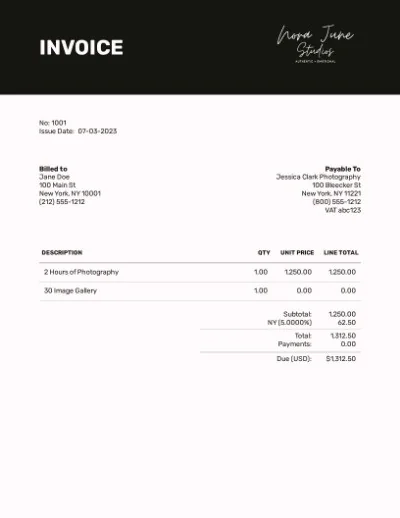
Here’s what the body of your invoice could look like:
Sarah K. Photography
sarah@skphotography.com | (555) 123-4567

Bill To:
Michael Johnson
123 Oak Street
Springfield, IL 62701

Invoice #: INV-2024-042
Date: October 15, 2024

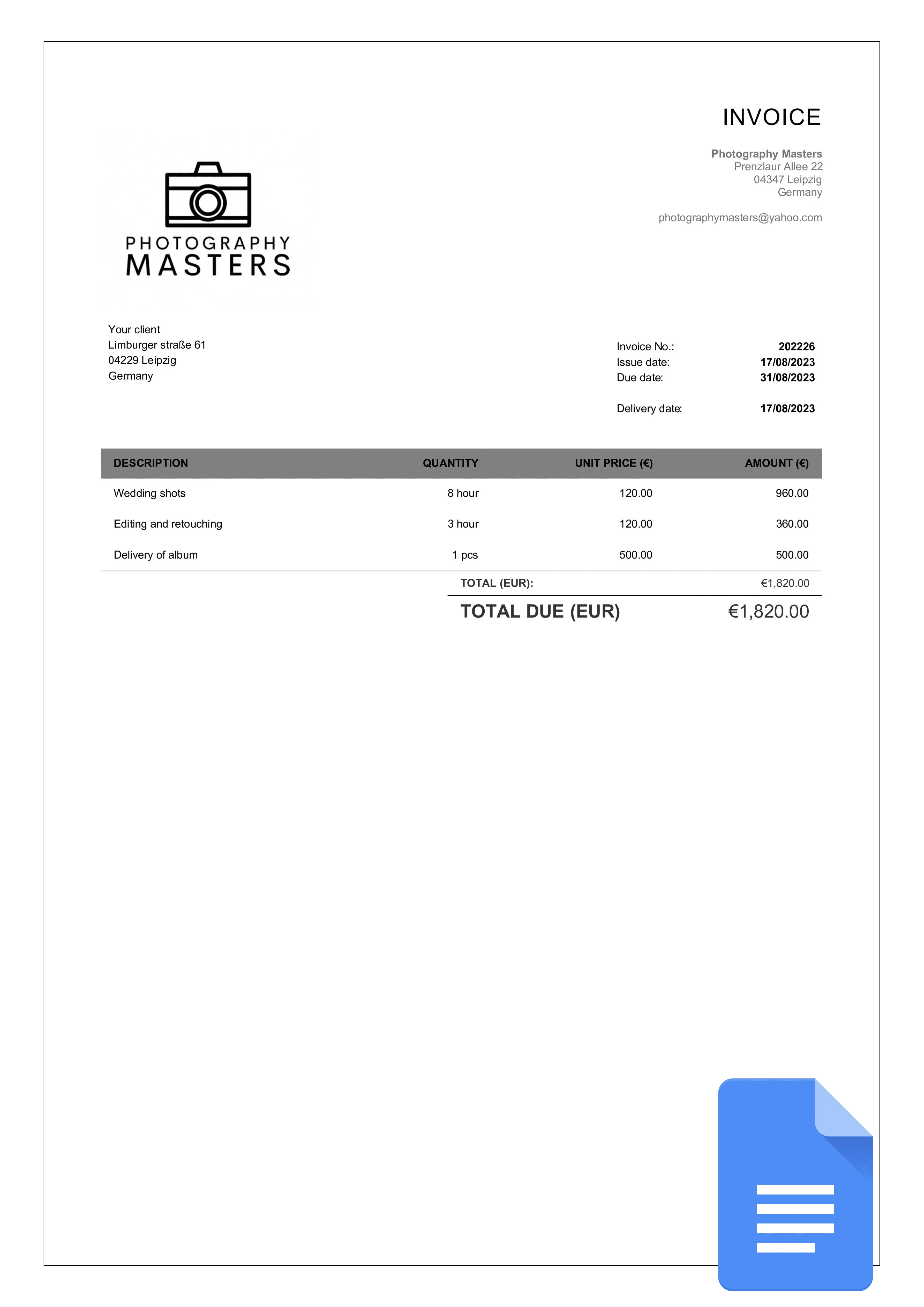
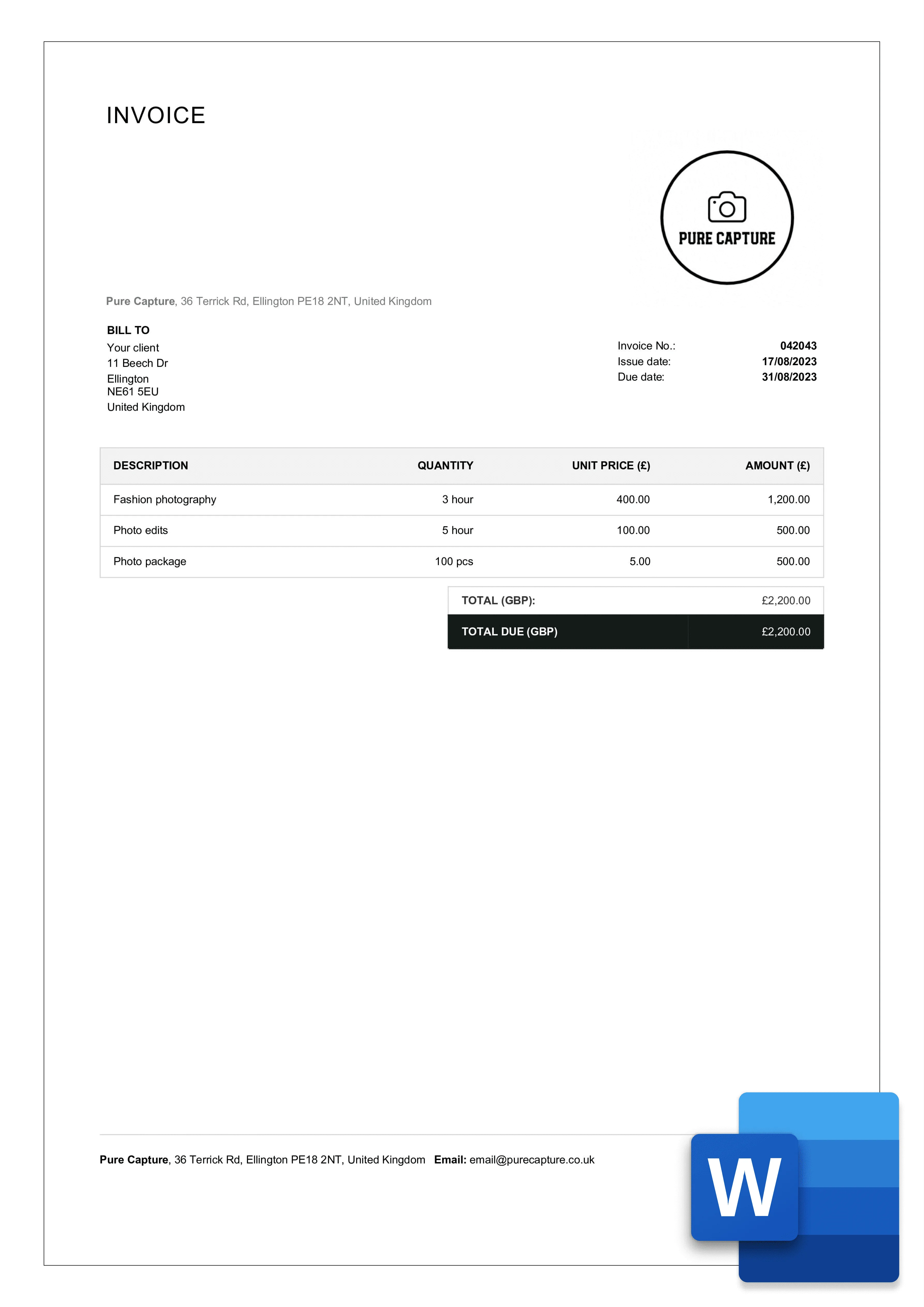
Description                      Qty    Rate       Amount
Family Portrait Session                1      $350.00     $350.00
Digital Images (Edited)               15       $13.33     $200.00
Print Release                           1       $50.00      $50.00
                                                        ----------
Subtotal                                              $600.00
Sales Tax (8%)                                            $48.00
Total Due                                           $648.00

Payment Terms: Net 14 days
Pay via: Bank Transfer or PayPal
Common Mistakes Photographers Make
- Vague descriptions: "Photography services" tells them nothing. If they question the cost, you have no defense.
- Forgetting to include your payment terms: Without a due date, clients will pay when they remember.
- No late fee policy: You’re not a bank. Charge for late payments or you’ll always be the last vendor they pay.
- Using a confusing numbering system: "Invoice 1" looks amateur. Use a sequential, date-based system.
- Not including a "thank you": A little gratitude goes a long way. It keeps the relationship warm.
Tips for Customizing Your Template
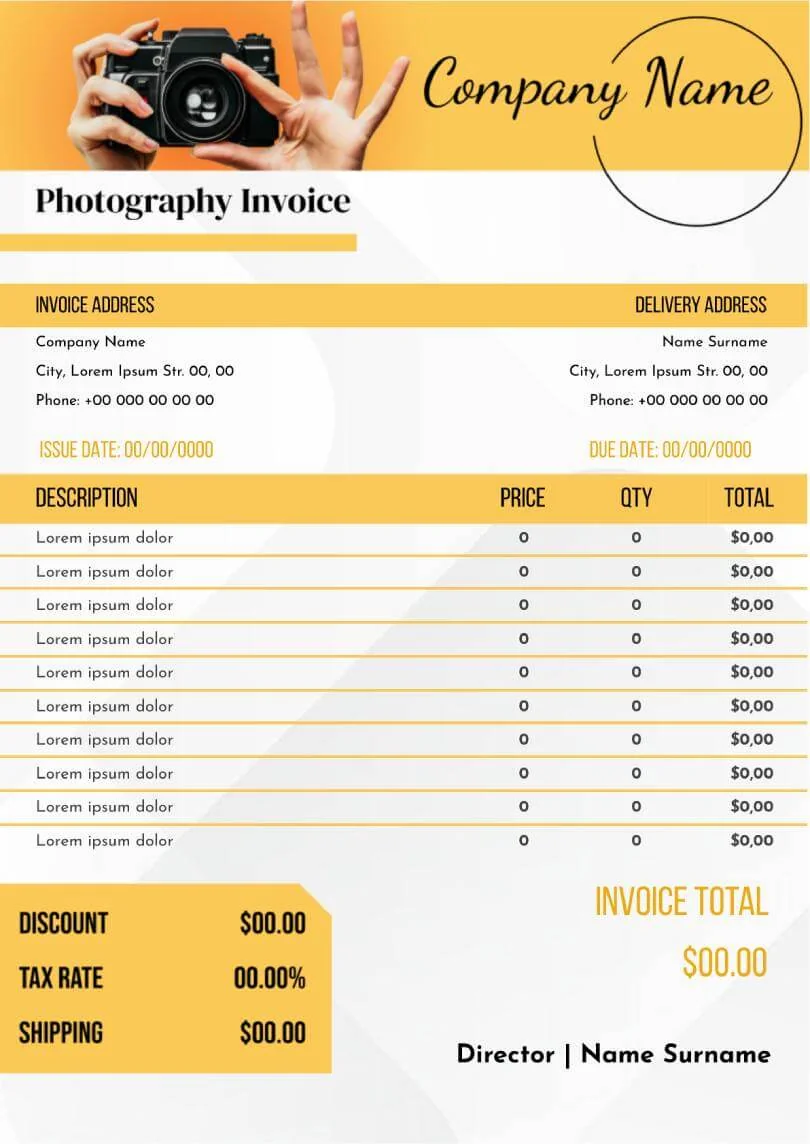
Your template should reflect your brand. Add your logo, use your brand colors, and keep the font clean and readable. If you shoot weddings, consider adding a line for "Second Photographer" or "Album Design Fee." If you do commercial work, include a "Usage License" fee.
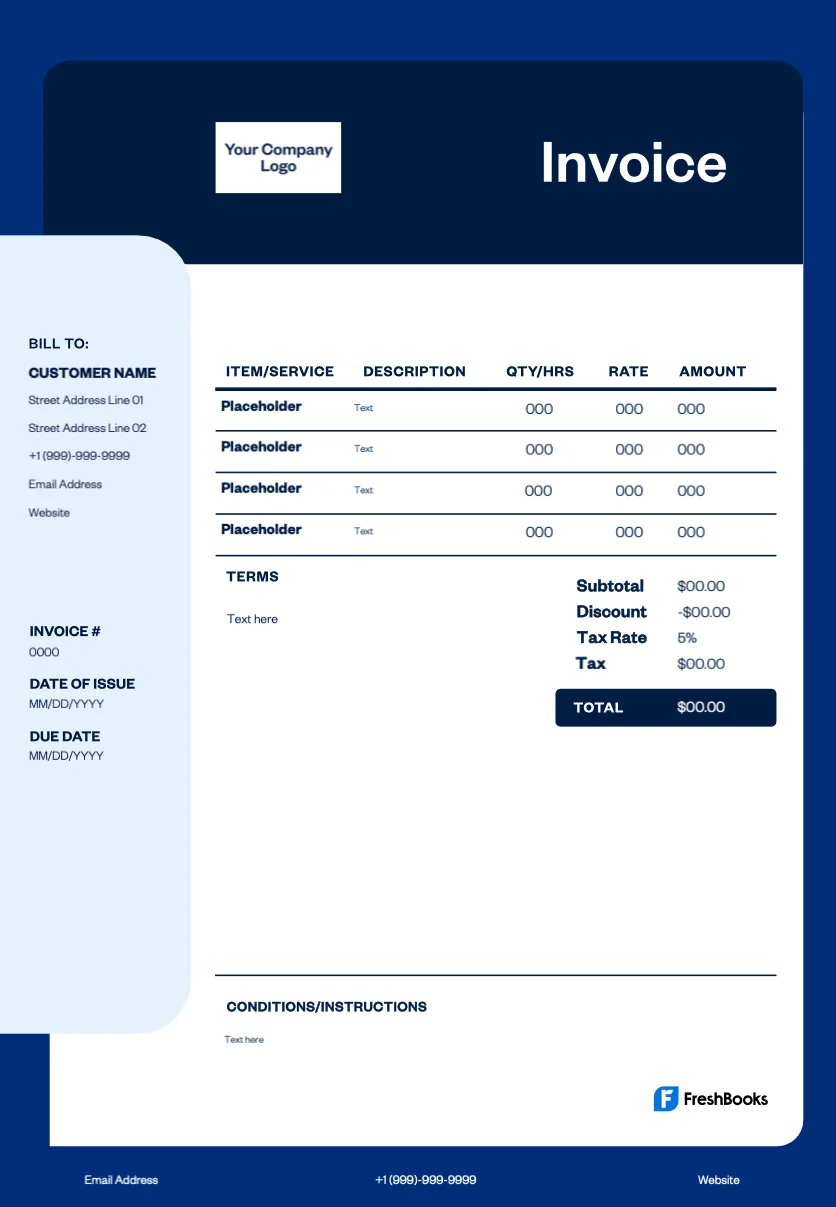
Also, think about your workflow. If you use invoicing software like FreshBooks or Wave, customize their templates. If you use Google Docs or Word, create a master file and save it as a PDF each time. Never send an editable Word doc—it looks unprofessional and invites accidental changes.
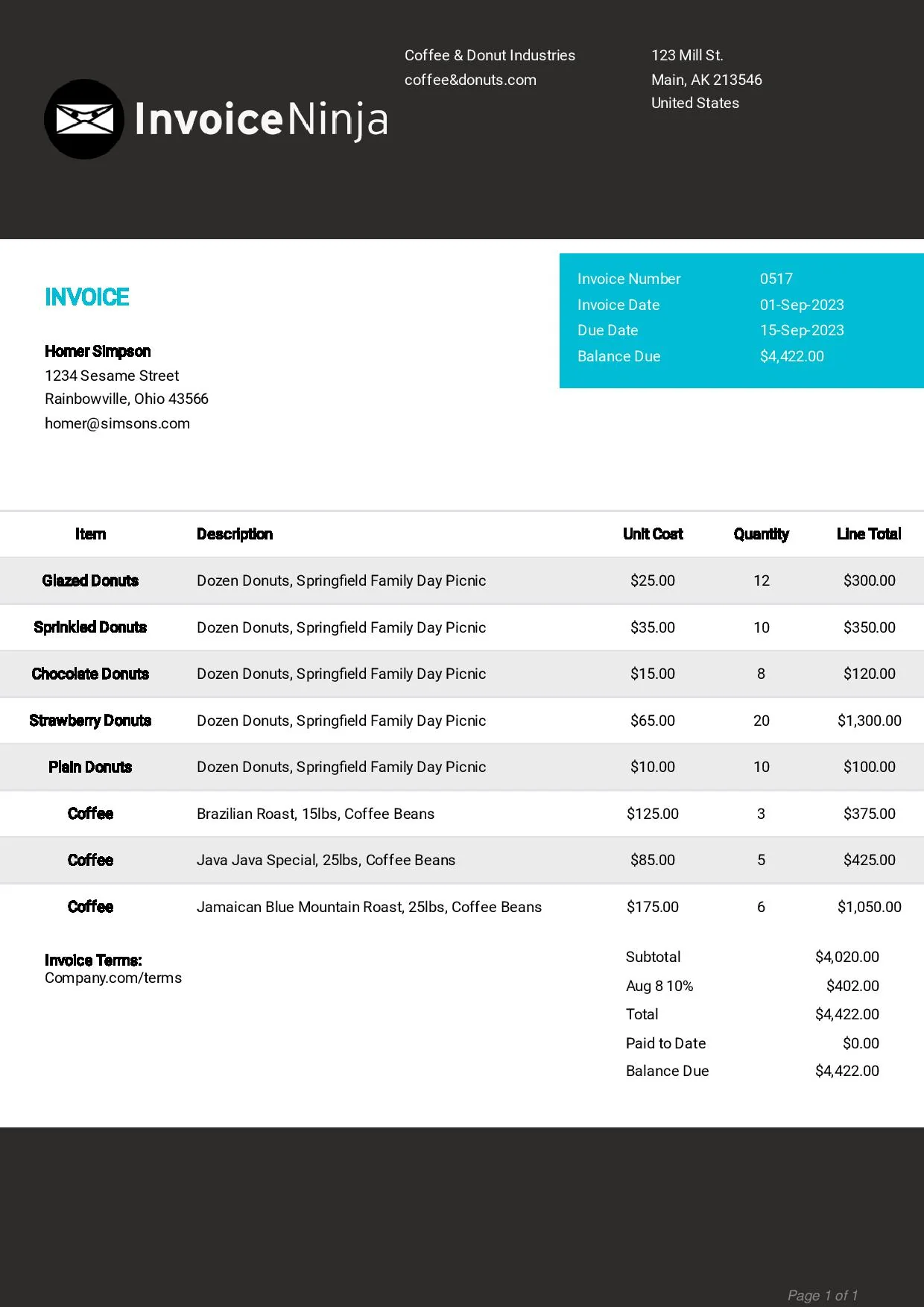
For different types of photography work, you might find it useful to adapt your approach. A cleaning service invoice focuses on hourly rates and materials, while your photography invoice focuses on creative fees and usage rights. Similarly, a roofing contractor invoice needs to itemize materials and labor clearly, just like you need to itemize your time and deliverables. Even a bakery invoice template breaks down quantities and unit prices—a principle that works well for photographers selling prints or albums.
Final Practical Advice
Stop using a messy email or a verbal agreement. A clean, detailed invoice makes you look like a pro and gets you paid faster. Customize your template once, save it, and use it for every client. Your future self—the one not chasing down payments—will thank you.
Image Gallery